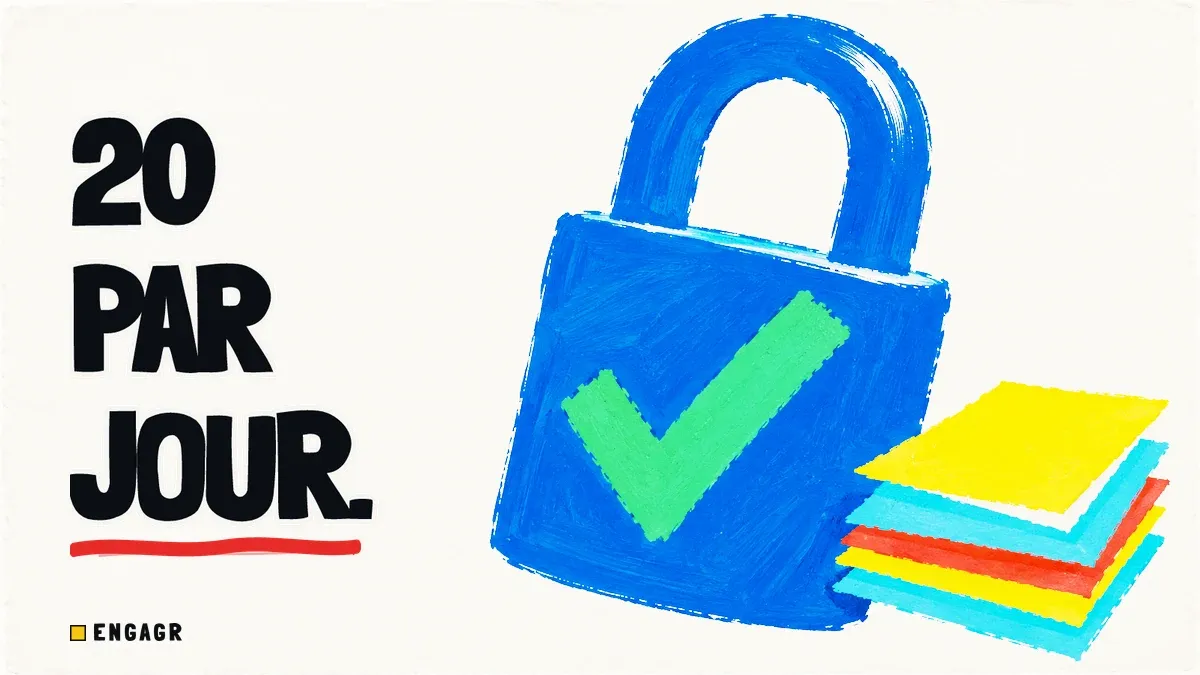
The days of blasting 500 LinkedIn invitations per week using sketchy Chrome extensions without consequences are permanently over.
LinkedIn has deployed rigorous algorithmic defenses: click telemetry tracking, strict acceptance ratio scoring, and aggressive rate limiting. A restricted account means years of accumulated professional network vanished overnight.
Yet prospecting on LinkedIn remains the most powerful B2B revenue channel: provided you follow strict operational safety rules.
1. The 2026 LinkedIn safety quotas matrix
Here are the real thresholds measured across hundreds of active professional accounts:
| Metric | High Risk (Red Zone) | Safe Operational Baseline |
|---|---|---|
| Invitations per day | > 35 / day | 15 to 20 / day |
| Invitations per week | > 150 / week | 80 to 100 / week |
| Interval between sends | < 1 minute (burst) | 5 to 10 minutes (with random jitter) |
| Sending schedule | 24/7 or night hours | 08:30 to 20:00 local business hours |
| Pending unaccepted invites | > 700 stagnating | < 300 (monthly cleanup) |
| Target acceptance rate | < 25% | > 45% (via Warm Outreach) |
2. The 4 rules for a bulletproof account
Enable multi-day queue smoothing
If you select 60 leads from your prospect pool, do not blast them in a single afternoon. Your workflow should automatically split them into 3 daily batches of 20 spread over 3 business days.
Avoid weekends and nighttime hours
Intense activity on Sunday at 3 AM is an obvious statistical red flag. Schedule outreach solely during normal business hours.
Warm up prospects before connecting
The number one cause of account restrictions is not volume: it is disgruntled prospects clicking 'I do not know this person'. A relevant comment placed on their post the previous day pushes acceptance rates above 50%, highlighting why warm outreach outperforms cold email.
Monitor messaging API error codes
Whenever the messaging API returns a 422 error such as 'already_invited_recently' or 'delay new invitation', the system must automatically pause invitations for 24 hours.
3. How Engagr protects your account
At Engagr, account safety is our primary engineering requirement within the Invitr module:
- Strict hard ceiling of 20 invites per rolling day: no exceptions in code to protect your account standing.
- Unit-level anti-burst pacing: exactly 1 invitation processed per cron cycle (5 to 10 minute minimum spacing).
- Random jitter: each dispatch is offset by variable seconds and minutes to prevent mechanical clock patterns.
- Smart queue visibility: clean 7-day tracking to prevent database bloat while transferring hot leads directly to qualified inbox discussions.
4. Comment templates to warm up an invitation
Here are two non-intrusive comment models to place before sending a connection request:
Model 1: The Technical Follow-up
Model 2: The Practical Extension
The Complementary Angle
Very sharp observation.
In our field data, sales teams automating without personalization inevitably hit the quota wall. Those focusing on 20 ultra-targeted touchpoints per day book 3x more discovery calls.
Frequently asked questions about LinkedIn safety
Questions fréquentes
Les réponses aux questions les plus posées sur ce sujet.

The Insightful Follow-up
Spot-on point regarding B2B lead retention.
We frequently observe friction disappear the moment lead forms are replaced with direct interaction around industry topics.
Looking forward to following your future updates on this!